Digital Design - UCSD CSE140 SS1’26
I am Abarajithan (my website), your instructor-on-record. I have redesigned this course to help you learn digital design in a fun, interesting and inspiring way.
You will learn the foundational theory, SystemVerilog implementation, and practical best practices, and get a hands-on taste of both ASIC and FPGA design flows. This is a five-week course with 30 hours of lectures and a strong balance between the theory of digital circuits and building them. It was developed and taught to 52 students as CSE 140 in the Department of Computer Science and Engineering at UC San Diego during Summer Session I 2026. See how and why I designed and taught this course. Read the student feedback and course iteration to see what students valued, how their feedback shaped the course within the week, and what I plan to improve next time.
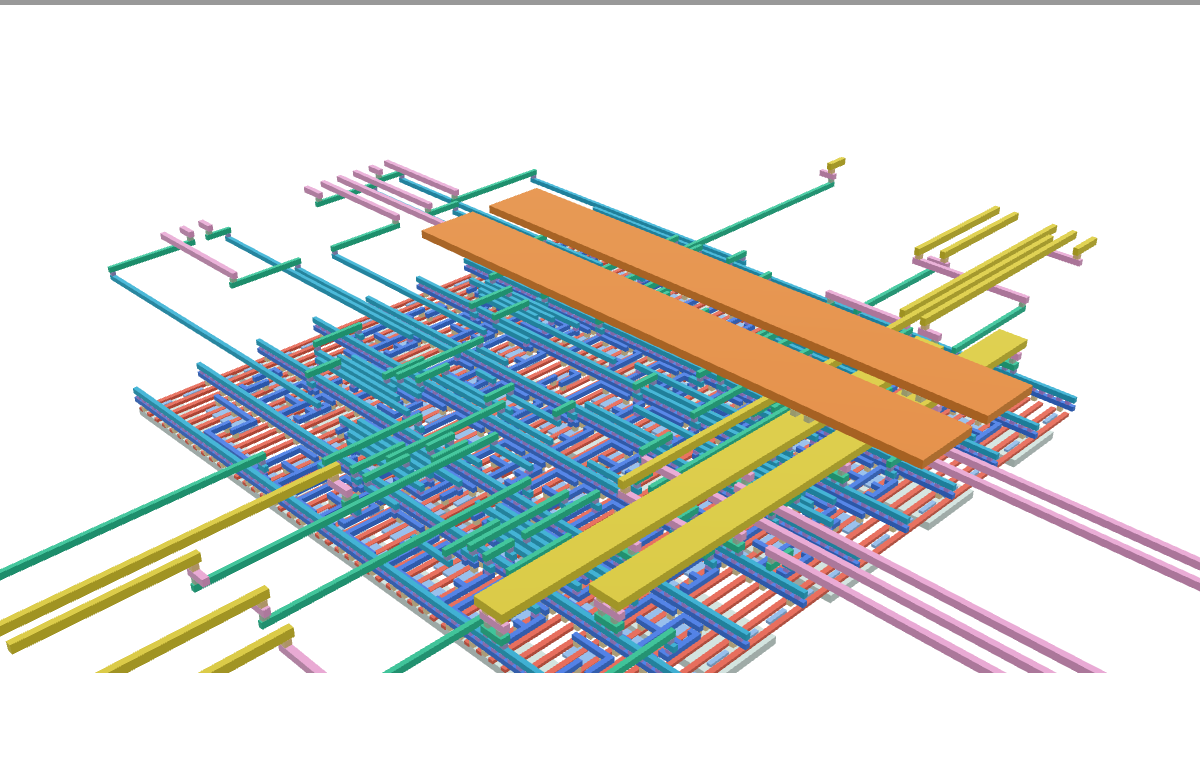
Interactive 3D preview unavailable in this browser. Open the GLB file directly.
Why This Course?
Digital design is a discipline where the art of designing complex digital circuits and its rules of thumb are grounded in theoretical analysis. Half of this course develops theory such as number representation, Boolean algebra, Karnaugh maps, logic minimization, sequential logic, and timing analysis. That theory is woven into practical work that you design, simulate, inspect, synthesize, and run on your own computer. Each assignment is roughly half theory and half SystemVerilog design, so you immediately apply the ideas you have learned.
Digital design is the foundation for compute architecture (including CPU, GPU, and accelerator design), physical design, EDA/CAD software for ASIC and FPGA development, and many other hardware disciplines.
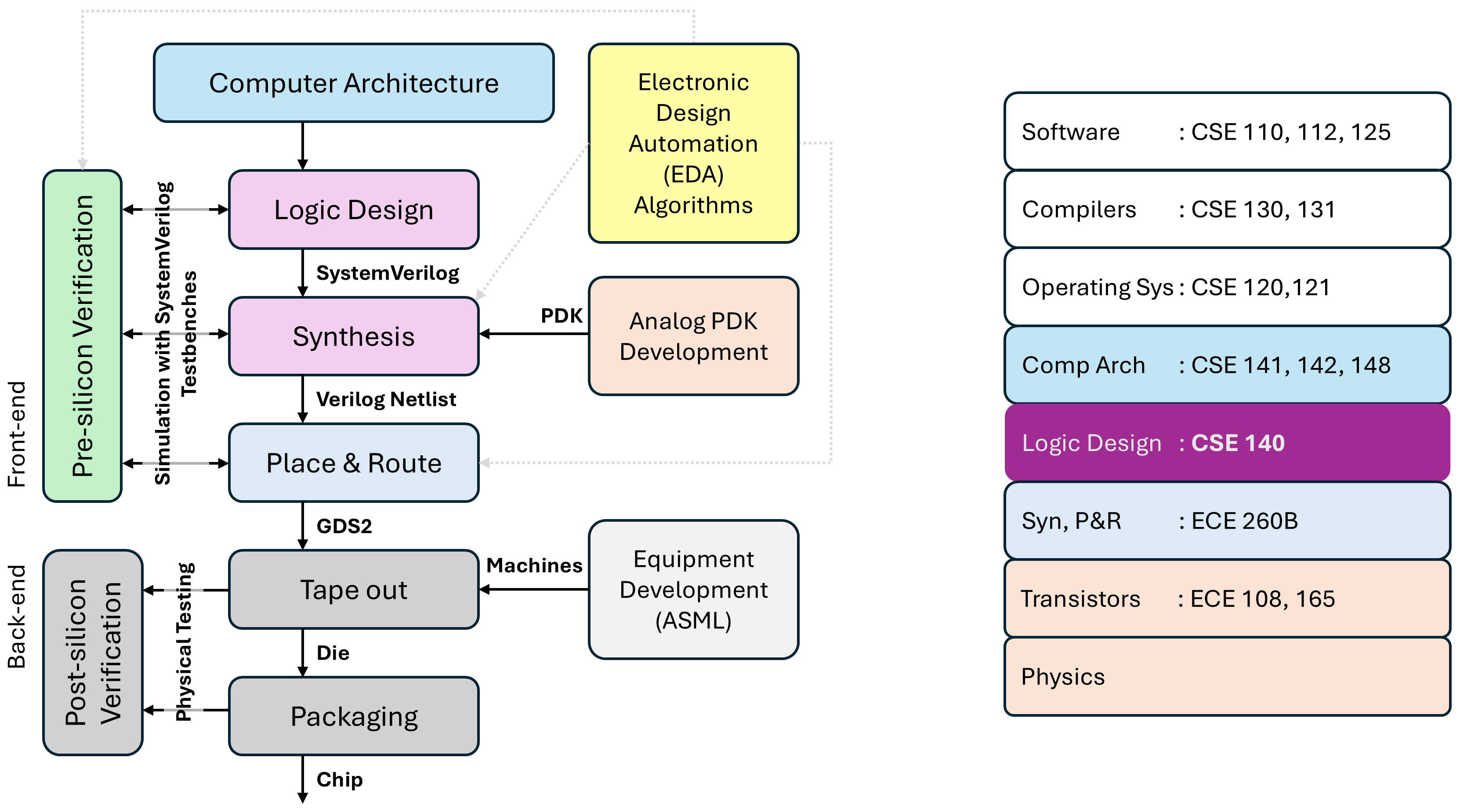
From Theory to Hardware
The course repeatedly takes ideas through the same end-to-end flow:
Theory → SystemVerilog RTL → Simulation and waveforms → Synthesis and timing → ASIC layout and 3D visualization → FPGA hardware
Use the SystemVerilog guide as a language reference, inspect the generated design outputs, explore standard cells in 3D, and implement complete systems in the FPGA labs.
Systems You Will Build and Explore
CPU: Build an eight-opcode CPU in approximately 40 lines of SystemVerilog and run programs such as Sum-to-N, Fibonacci, factorial, and dot product in the CPU walkthrough.
FIR audio filter: Implement a 100-tap filter, connect it to a computer over UART, and process files or live audio in the FPGA labs.
Neural-network accelerator: Progress from quantization and multiply-accumulate units to fully parallel MNIST inference on an FPGA in the FPGA labs.
The CPU and the FIR Filter are taught as examples in the lectures. You will be building the neural-network accelerator through your assignments. Listen to the original audio and the output of a 4-bit-quantized low-pass FIR filter with a 250 Hz cutoff.
| Original music | Bass only |
Five-Week Learning Journey
Week |
Theory and practice |
|---|---|
Boolean functions, gates, simulation, and a first RTL-to-GDS design |
|
Number representation, logic simplification, combinational circuits, quantization, and ReLU |
|
Sequential logic, setup and hold time, critical paths, reduction trees, and multiply-accumulate units |
|
Finite-state machines, ready/valid handshakes, UART, and streaming neural-network integration |
|
FIR architecture, retiming, and complete CPU, filter, and accelerator systems |
What You Will Learn
Reason about digital circuits using number representation, Boolean algebra, logic minimization, and timing analysis.
Write maintainable, parameterized SystemVerilog RTL and testbenches using practical design and verification conventions.
Simulate and debug circuits, evaluate timing and physical layout, generate FPGA bitstreams, and communicate with hardware over UART.
Choose Where to Begin
Enrolled students: Read the syllabus, complete the Docker setup, and begin with Week 1.
Independent learners: Complete the Docker setup and running examples, and use the SystemVerilog guide as a reference.
Visitors: Browse the design examples, CPU walkthrough, 3D standard cells, and FPGA labs.
Before You Begin
You should be comfortable with the following foundations:
Converting numbers between decimal, binary, and hexadecimal representations (refresher)
Basic logical operations and truth tables (refresher)
Writing simple programs in any language, such as Python or C
See the syllabus for formal prerequisites, required materials, grading, and course policies. All RTL sources, testbenches, and build tools are available in the course repository.